Making Deezer player colors feel closer to cover artwork
Improving perceived quality through more precise cover-based color matching
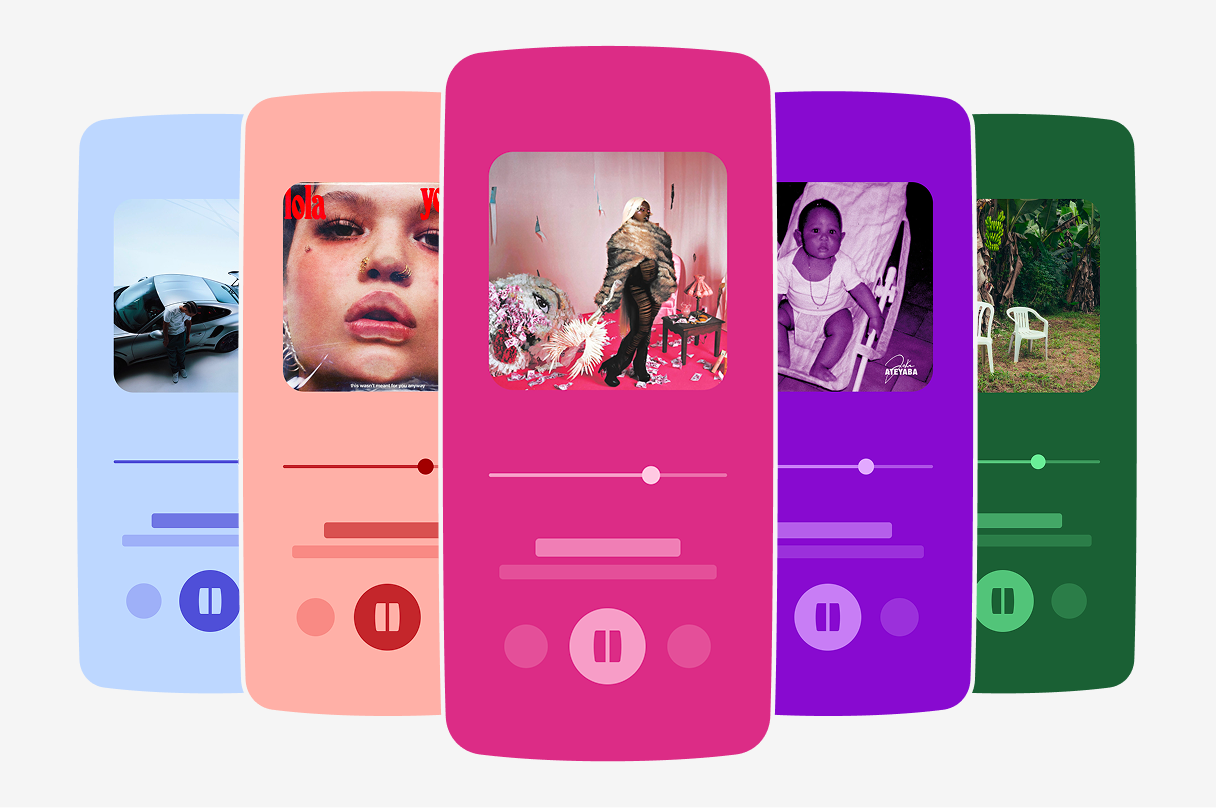
Color picking is the method used to extract a dominant color from an image and apply it to the interface. At Deezer, this system is used on the player background, at the heart of the listening experience.
This project aimed to improve the accuracy of that color mapping and the way covers are translated into player backgrounds.
Existing behavior
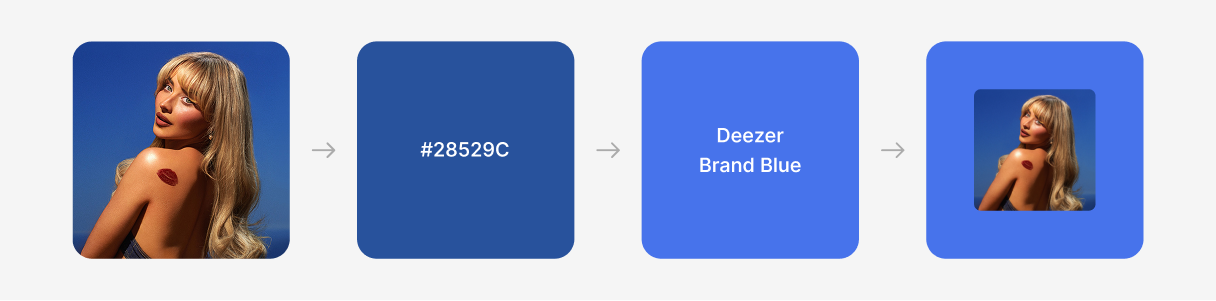
The player did not use raw colors directly from the cover. A dominant color was extracted from the artwork, then converted to a controlled color from Deezer's palette. This kept the result aligned with the brand palette and avoided unpredictable UI colors in the player.
At that point, the system could produce 12 different color results.
What was not working
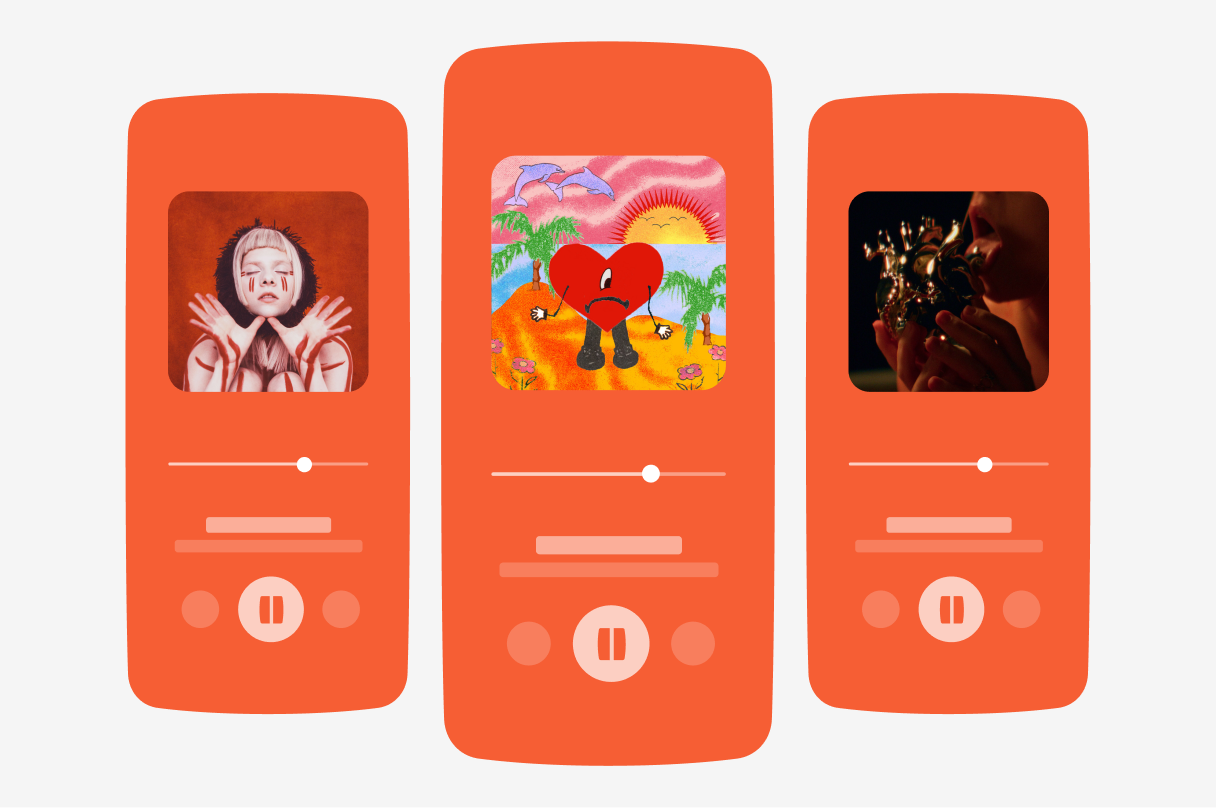
With only 12 possible outcomes, repetition was common across the catalog.
The mapping also relied exclusively on the hue value of the extracted color. Covers from the same color family but with very different lightness levels could therefore produce the same result.
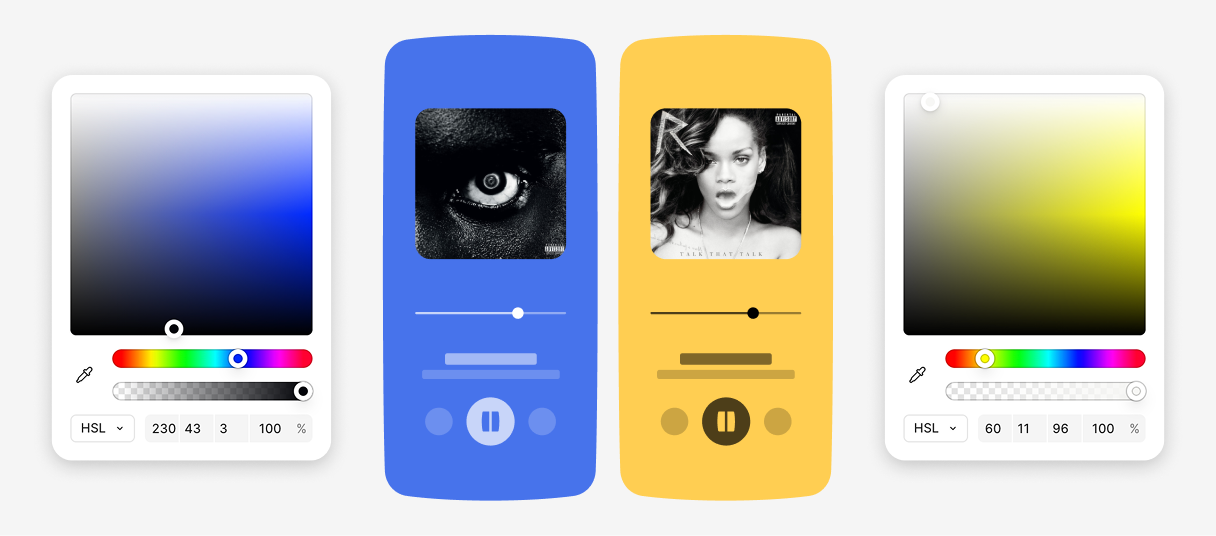
Another issue appeared on neutral covers. Covers perceived as black, white, or grey often contain small traces of color. The algorithm could detect these subtle tints and generate a colored player background, even when the artwork itself appeared neutral.
Finding a quick win
We explored moving color calculation to the backend so every platform would receive the same result. While the approach made sense, it required changes to the image pipeline and additional backend work.
For this first iteration, we focused on what could be improved within the existing system.
The extracted dominant color already included HSL values: hue, saturation, and lightness. But the mapping mainly relied on hue. Lightness was already available but not used, making it the most accessible lever to improve the result.
Using lightness to add more nuance
We updated the mapping logic to use lightness in addition to hue.
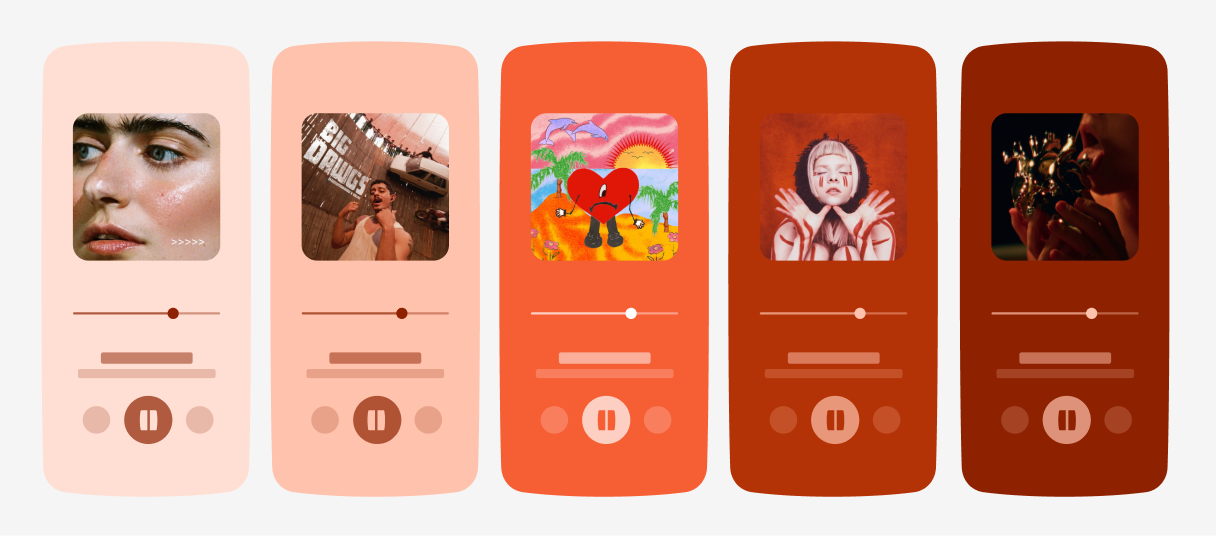
Instead of associating each color family with a single player color, we introduced five possible shades for every color: Deep, Dark, Default, Light, and Pale. The selected shade depended on the lightness value of the extracted color.
This expanded the number of possible outcomes from 12 to more than 60 while keeping the existing Deezer palette.
Handling neutral covers
The HSL data also gave us a way to identify covers that should be treated as neutral.
When the extracted color was very close to black or white, the cover is treated as neutral rather than mapped to a color from the palette.
- Lightness below 10 → Black
- Lightness above 90 → White
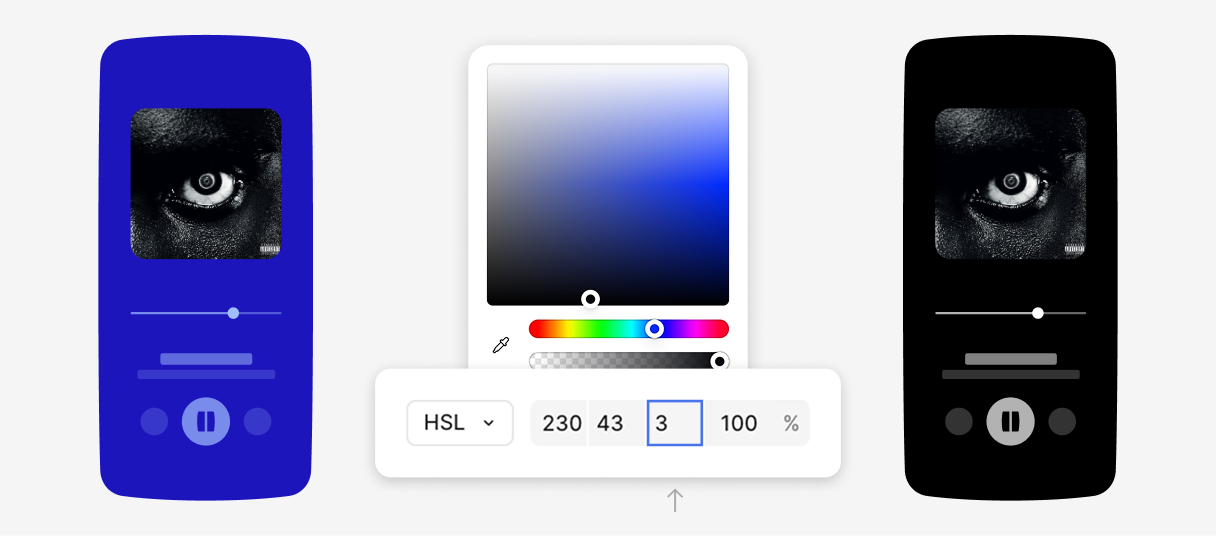
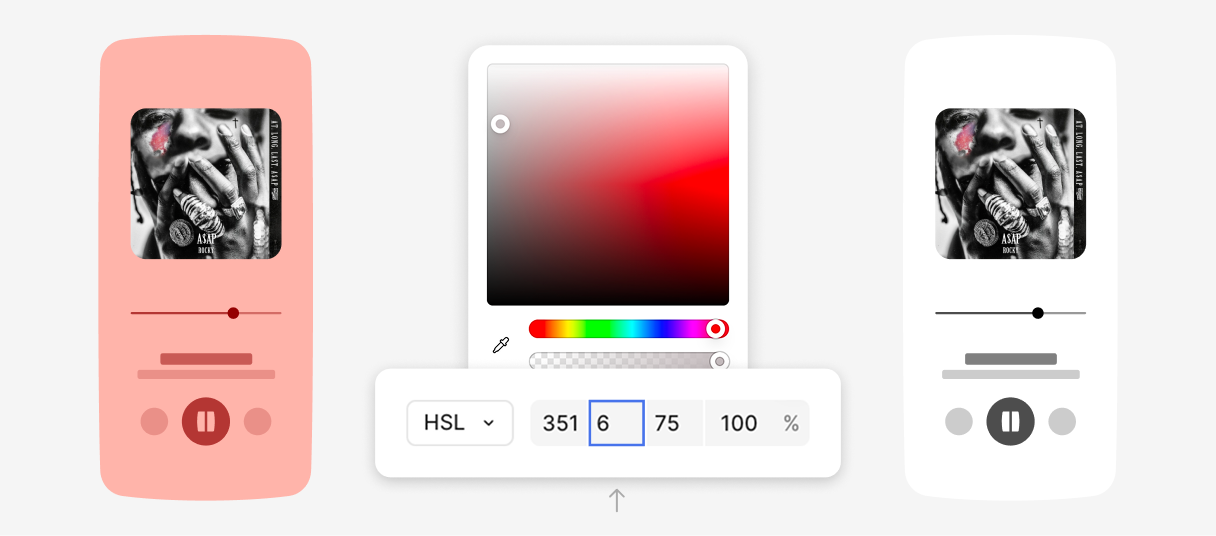
Some covers are perceived as neutral even though the extracted color still contains a slight tint. To handle these cases, we introduced a second threshold:
- Saturation below 10 → Desaturated cover
When saturation falls below this value, the cover is considered neutral and falls back to black or white depending on its lightness.
Outcomes
The updated color picking system kept the Deezer palette while increasing the number of possible player colors from 12 to more than 60. Player backgrounds showed more variation and handled light, dark, and neutral covers more accurately.
Feedback was generally positive, with several comments mentioning a better match between covers and player backgrounds, less repetition, and a fresher overall appearance.